The turntable upgrades that actually change what you hear, in the order I’d spend the money: a proper clean and setup first, then the phono stage, then the cartridge, and only then the platter mat, clamp, tonearm, speed control and isolation tweaks. Skip that order and you spend $300 chasing a difference a $0 alignment session would have given you for free.
I run a Technics SL-1200-class direct drive as my speed-stability reference, a rebuilt Rega P3 with the RB330 arm, and a Pro-Ject in the X2/Debut class as the belt-drive comparator. Across all three I have re-belted, re-greased bearings, swapped cartridges, A/B’d phono stages, and dialed VTA, VTF and azimuth by gauge and by ear. This guide is the map I wish I’d had before I started buying parts: what each upgrade and mod genuinely does, what it costs, how hard it is to reverse, and where it sits in the queue. The short version is that most beginners upgrade in exactly the wrong order, and this is how to stop doing that. I learned the order the expensive way: my first real “upgrade” was a $200 cartridge bolted to a deck I had never properly aligned, and it sounded worse than the stock cart did a week later once I set overhang and tracking force correctly. That $200 lesson is why the free row sits at the top of every table below.
The Upgrade Order That Actually Matters
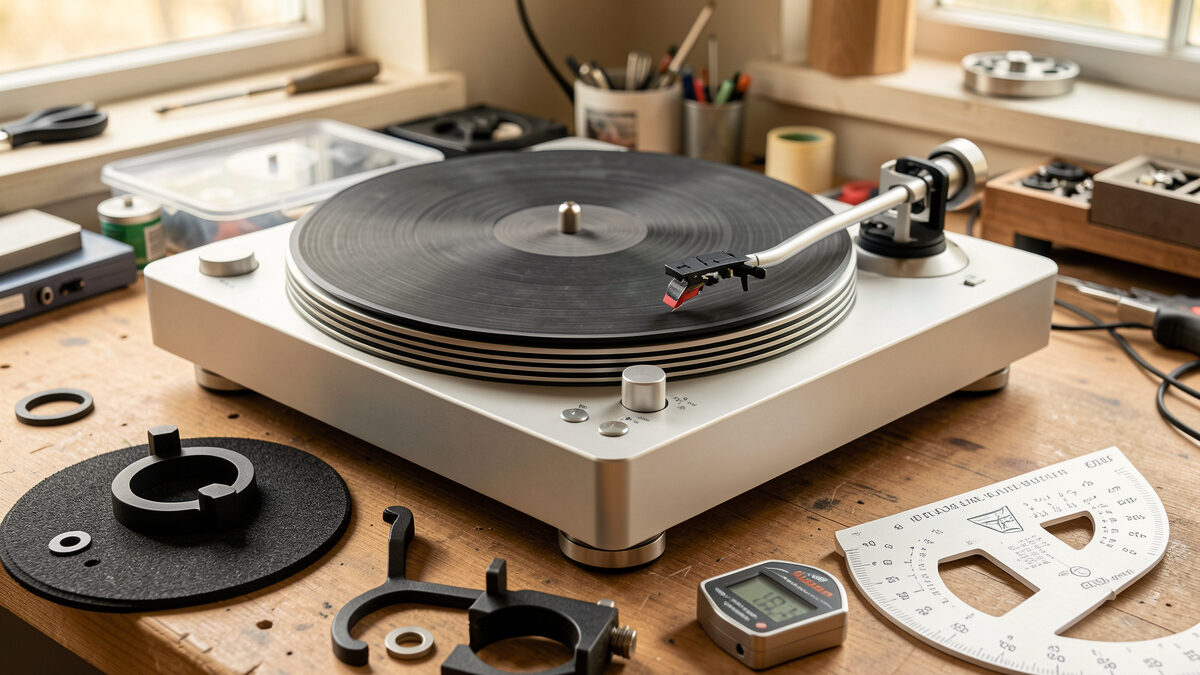
Spend in this order: cleaning, setup, phono stage, cartridge, then the mechanical mods. That sequence is unromantic and it’s correct. The biggest single jump most decks have available costs nothing but a protractor, a stylus-force gauge and twenty careful minutes.
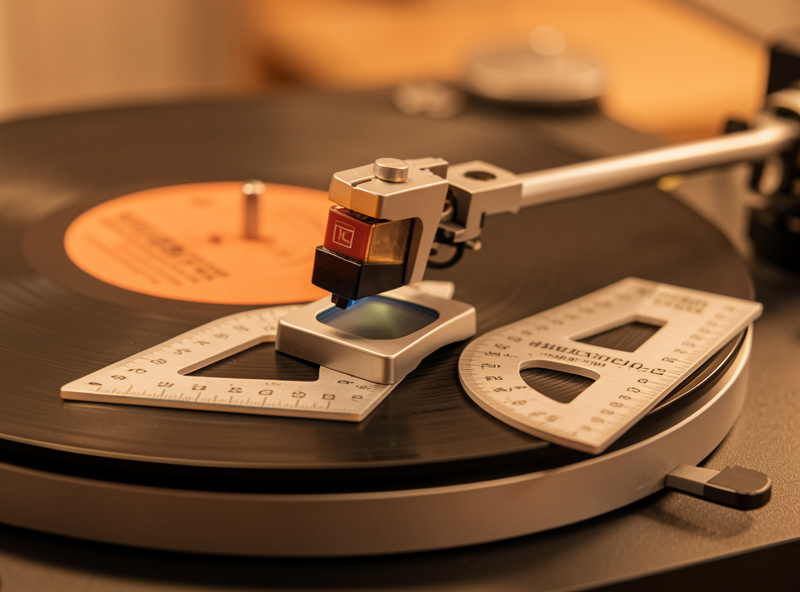
Here’s why the order holds. A misaligned cartridge mistracks the inner third of every record on the table, and no platter mat on earth fixes inner-groove distortion that geometry is causing. A dirty record adds noise that swamps whatever resolution your new cartridge bought. And a built-in phono stage that’s slewing on bass transients caps the system long before the cartridge is the limit. So before you spend a krona on hardware, get the record clean, set tracking force to the cartridge’s spec window with a digital gauge, set anti-skate against that, and align overhang and offset on a two-point protractor to the Baerwald or Stevenson nulls. I walk that whole process in the turntable setup and calibration guide, and the two settings that move the needle most are covered in the tracking force adjustment guide and the cartridge alignment guide.
Only once the deck is set up and the records are clean does hardware spending start paying off. And even then the first hardware I’d touch is the phono stage, not the table — more on that below.
Upgrade vs Mod: Knowing the Difference
An upgrade swaps a part for a better version of the same part — a new cartridge, a better phono stage, a heavier platter. A mod changes how the deck behaves without buying its “next model up” — adding a clamp, swapping the mat, building an isolation platform, replacing a sagging dustcover hinge, fixing a ground path. Upgrades cost more and usually need matching; mods are cheaper and mostly reversible, which is exactly why they’re the safest place for a beginner to start experimenting.
The distinction matters because the two carry different risk. Bolt the wrong cartridge to an arm and you can create a compliance mismatch that makes the whole system resonate; that’s an upgrade gone wrong. Try a cork mat instead of the stock felt and the worst case is you put the felt back — that’s a mod. I tell people to learn their deck through the cheap, reversible mods first, because by the time you understand why your table sounds the way it does, you’ll make far smarter upgrade decisions. The classic beginner mistake, captured in the older turntable upgrade guide, is buying a $200 cartridge for a deck that needed a $0 alignment and a $25 mat.
The Mods Ranked by Payoff
Below is how I rank the common turntable mods by what they cost, how hard they are, whether they’re reversible, and — the only column that matters — whether you’ll actually hear the difference. “Audible payoff” here means a change a careful listener notices on a properly set-up deck, not a measurable-but-inaudible delta.
| Mod / Upgrade | Typical Cost | Difficulty | Reversible | Audible Payoff |
|---|---|---|---|---|
| Clean + align (no parts) | $0–30 | Easy | Yes | Very high |
| External phono stage | $80–400 | Easy | Yes | High |
| Cartridge upgrade | $80–500 | Moderate | Yes | High (if matched) |
| Platter mat swap | $15–90 | Easy | Yes | Low–moderate |
| Record weight / clamp | $20–150 | Easy | Yes | Low–moderate |
| Isolation platform | $30–300 | Moderate | Yes | Situational, high |
| Tonearm rewire / upgrade | $60–600 | Hard | Partly | Moderate |
| External speed controller | $150–500 | Moderate | Yes | Low–moderate |
| Dustcover replacement | $15–120 | Easy | Yes | Indirect |
| Fix grounding / hum path | $0–25 | Easy | Yes | High (if you have hum) |
Read that table top to bottom and you have your spending plan. The free row beats almost everything below it. The two cheap rows with “High” payoff — the external phono stage and fixing a ground loop — are where I’d send a beginner’s first $100 before any cosmetic mod.
Platter Mats: Small Change, Real Character
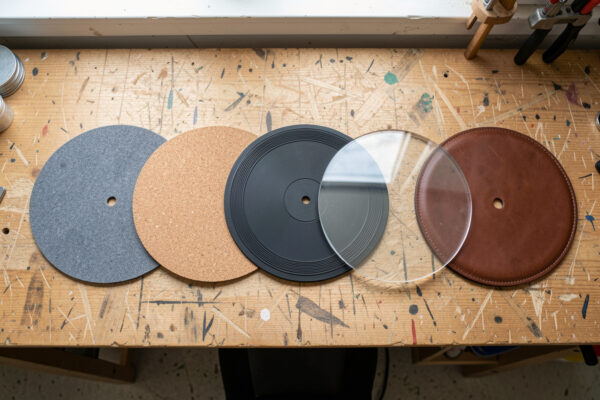
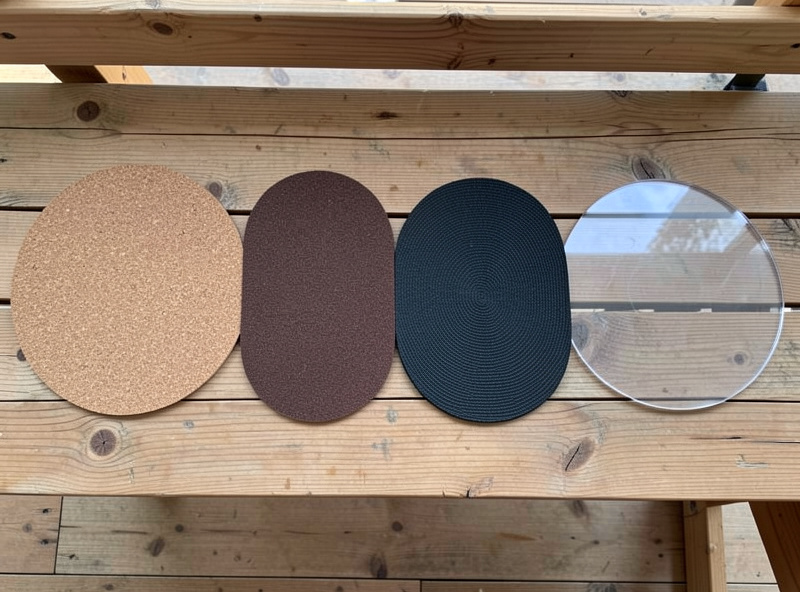
The mat is the cheapest tonal tweak on the table and the one most over-claimed. Swapping felt for cork, rubber or acrylic changes the mechanical coupling between record and platter, which nudges resonance and surface noise — a real but subtle effect, not a new cartridge. On my acrylic-platter Pro-Ject I run no mat at all (acrylic-on-vinyl is its own coupling); on the steel Technics platter a cork or rubber mat tames ring. None of it is night-and-day, and anyone selling you a $200 “audiophile” mat as a transformation is selling you the romance.
Pick the mat to the platter material and to the problem you’re solving — static, ring, or a slightly warped pressing that wants a grippier surface. I lay out the full material-by-material comparison, with what each one actually does on a metal versus acrylic platter, in the platter mat comparison guide, and there’s an older material rundown in the turntable mat guide and a focused leather vs felt vs cork piece. If you’re also weighing a heavier platter, that’s a bigger job covered in platter upgrades.
Tonearm Upgrades: Where It Gets Serious
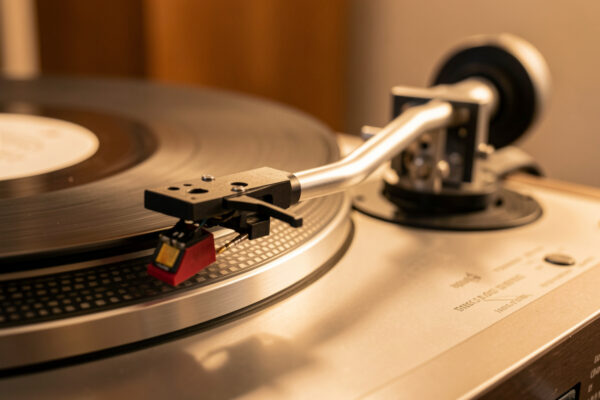
The tonearm is the hardest mod on this list to get right and the easiest to get wrong, because the arm and cartridge have to match on mass and compliance or the resonant frequency lands in the wrong place. Done well, a better-bearing arm or a clean rewire lowers the noise floor and tightens tracking; done badly, you’ve created a resonance problem the rest of the chain can’t fix. This is the one place I tell people to slow down and measure before they buy.
For most decks the smarter move isn’t a whole new arm — it’s a rewire, a better headshell, or simply setting the arm you have correctly (VTA/SRA, azimuth, effective mass matched to cartridge compliance). I cover the full decision in the tonearm upgrade guide, with background on arm types in the foundation tonearm guide. Bearing condition matters as much as the arm itself — a notchy main bearing undoes any arm upgrade, so read the bearing maintenance guide first.
Record Weights and Clamps: Coupling, Not Magic
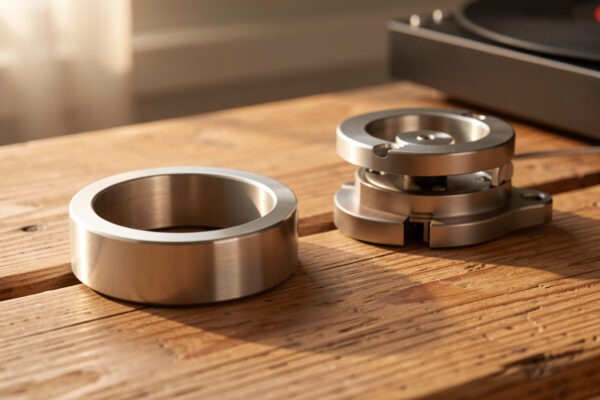
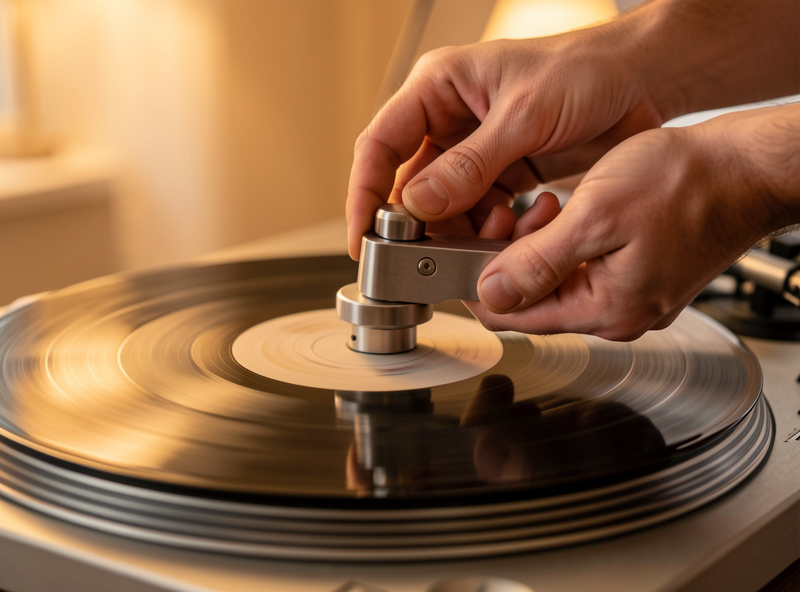
A record weight or clamp couples the record to the platter, flattening a mild warp and damping the disc so it stores less energy. On a slightly dished pressing the improvement in tracking is real and worth the $20–40. On a dead-flat record it’s a subtle change, and on a suspended subchassis deck a heavy weight can actually upset the suspension if you overdo the mass. So the right weight is the lightest one that does the job, not the heaviest billet you can buy.
Clamp versus weight versus a threaded screw-down is a real decision with different tradeoffs, and the platter and bearing have to be rated for the load. I go through clamp types, the warp-flattening reality, and the suspension caution in the record weight and clamp guide. There’s an engineering-minded look at why clamp mass behaves like a balance weight in the record-weight precision piece. A clamp also pairs naturally with warp prevention — keep the records flat in the first place per the warp prevention guide. A decent record weight or clamp is one of the cheaper experiments on the bench.
Speed Control: The Mod for Belt Drives
Speed stability is one of the few things that’s genuinely audible when it’s wrong — drift and wow smear pitch and bass timing. Direct-drive decks like my Technics regulate speed at the platter and rarely need help. Belt drives run their motor at the wall’s mains frequency, and an external speed controller or DC-motor upgrade gives you fine pitch adjustment and, on better units, lower flutter. If your strobe shows the platter creeping, this matters; if it’s locked on, it’s a luxury.
Before buying a controller, check the speed you have with a strobe disc or a phone app, because a slipping or old belt is the usual culprit and a $12 belt fixes it. I cover when a controller earns its keep, the belt-first rule, and the direct-versus-belt context in the speed controller guide and the broader belt vs direct drive comparison.
The Dustcover: Boring Until It Isn’t
A dustcover is an indirect upgrade — it doesn’t change the sound, it protects the stylus and platter from dust that does. The mod question is usually whether to replace a scratched or hinge-sagging cover, run the deck lid-off while playing (many setup people do, to keep the cover from acting as a resonant panel), or fit a replacement. A cover that flexes and rings can actually couple cabinet noise back into the plinth, which is the one way it touches the sound.
Replacement hinges, universal covers, and the lid-on-versus-lid-off debate are all covered in the dustcover replacement guide. Keeping dust off the record in the first place is half the battle — that’s the record cleaning guide and the anti-static guide.
Grounding and Hum: The Free Fix Everyone Skips
If your system hums, the answer is almost never a new cable — it’s a broken or missing ground path between the turntable and the phono stage. The thin green ground wire on most decks ties the tonearm and motor chassis to the preamp’s ground terminal, and a loose or absent connection creates a loop that buzzes at mains frequency. Fixing it costs nothing and removes a noise floor that no upgrade can mask. This is the single most satisfying free fix on the bench.
Ground loops, the missing-ground-wire case, and the cartridge-to-arm continuity checks are all in the turntable grounding guide. Hum can also be cartridge-loading or a phono-stage issue, which is where the phono stage guide and cartridge loading come in.
Where the Money Really Goes: Phono Stage and Cartridge
Past a certain point the table is the least important box in the chain. The cartridge converts groove to signal and the phono stage amplifies and equalizes it — get those two right and a modest deck sings; get them wrong and a great table is wasted. I’d put an external phono stage with switchable gain and loading ahead of almost any cosmetic mod, because moving from a thin built-in stage to a real one is a bigger jump than any mat or clamp.
Match the cartridge type to the phono stage: moving-magnet wants 47k ohms and a capacitance you can set; low-output moving-coil wants 100–1000 ohms and far more gain. Get the loading wrong and a good cartridge sounds dull or shouty. The full decision tree is in the phono stage guide, the phono preamp explainer, and the cartridge guide. If you’re matching a cartridge, a digital stylus force gauge is the one tool I won’t set a cartridge without.
Isolation and the Plinth: The DIY Frontier
Vibration is the enemy you can’t hear directly — footfalls, speaker energy and motor rumble all reach the stylus and raise the noise floor. Decoupling the deck with an isolation platform, sorbothane feet or a spiked-foot arrangement is one of the highest-payoff mods in a real room, especially a suspended wooden floor. This is the mod that connects the workshop to the listening room: the same CNC that routes wall panels for the smart home routed the plinth blank on my bench, making wood hold its shape under a turning platter.
Start with the vibration isolation guide, then the practical builds: the DIY isolation platform, sorbothane feet, and a solid-wood CNC plinth project. Even the rack matters, covered in turntable furniture, and you can print your own jigs and headshells per the 3D-printed accessories guide.
Upgrades That Are Mostly Snake Oil
Not everything sold as an upgrade does anything. Exotic interconnects past a competent shielded pair, “directional” fuses, contact-enhancer fluids on a clean connector, and ultra-premium mats marketed as transformative all live in the place where the price chart and the audible-difference chart stop agreeing. My rule is simple: if the seller can’t tell me the mechanism — what physical thing changes and why I’d hear it — it goes back in the box. The mods on this page all have a mechanism. Spend there first.
How I’d Spend the First $200 on a Modest Deck
If someone handed me a clean-but-stock budget belt deck and $200, here’s the order I’d spend it, because it’s the order that buys the most audible improvement per krona. None of it is glamorous and all of it works.
First $0: pull the platter, check the belt for stretch and glaze, clean the spindle and re-seat everything, then align the cartridge on a protractor and set tracking force with a borrowed or cheap digital gauge. That’s the biggest jump available and it’s free. Next $25: a fresh belt if the old one is tired, plus a carbon-fiber brush and an anti-static routine so surface noise stops masking everything else. Next $20–40: a sensible record clamp if your pressings run slightly dished, or a cork mat if you’re fighting static and ring on a metal platter — whichever problem you actually have, not both on spec. The remaining ~$120 goes to an entry external phono stage with switchable loading, because moving off a thin built-in stage is the single hardware change you’ll hear across every record. Notice what isn’t on the list: a new cartridge, a speed controller, a fancy mat. Those come later, after this $200 has shown you what the deck is actually capable of. That sequence has never once let me down on a beginner’s table.
Frequently Asked Questions
What is the best first turntable upgrade?
A clean record and a proper setup, then an external phono stage. Aligning the cartridge on a protractor and setting tracking force with a gauge costs almost nothing and beats most paid upgrades. After that, a real external phono stage is the biggest single jump for under $200.
Do platter mats really change the sound?
Yes, but subtly. Swapping felt for cork, rubber or acrylic changes how the record couples to the platter, nudging resonance and surface noise. It is a real, character-level change, not a transformation, and the right mat depends on your platter material and whether you are fighting static or ring.
Should I upgrade the cartridge or the turntable first?
The cartridge, almost always, provided your deck is set up correctly. The cartridge and phono stage convert and amplify the groove signal, so they limit sound quality more than the table once a deck spins at stable speed. Match the cartridge to your phono stage loading before buying.
Is a record weight or clamp worth it?
On a slightly warped or dished pressing, yes, for $20 to $40 it flattens the record and tightens tracking. On dead-flat records the change is subtle. Avoid very heavy weights on suspended subchassis decks, where excess mass can upset the suspension. Use the lightest weight that does the job.
Why does my turntable hum, and is it an upgrade problem?
Hum is usually a grounding fault, not a gear shortcoming. The ground wire between the turntable and phono stage may be loose or missing, creating a loop that buzzes at mains frequency. Reconnecting it costs nothing and removes noise no upgrade can mask.
Do I need an external speed controller?
Only if your speed actually drifts. Check with a strobe disc or phone app first, since a worn belt is the usual cause and a cheap replacement fixes it. Direct-drive decks regulate speed at the platter and rarely need a controller; belt drives benefit more when flutter is measurable.
As an Amazon Associate I earn from qualifying purchases.