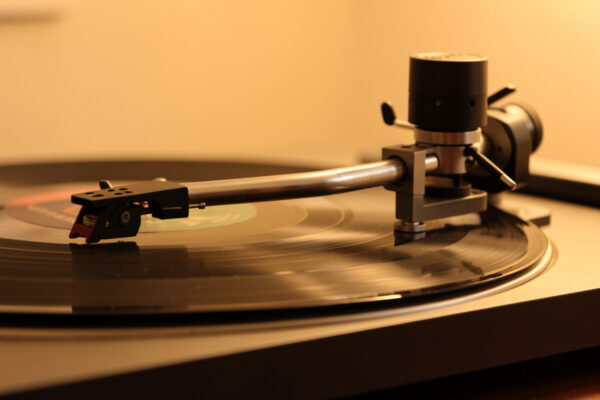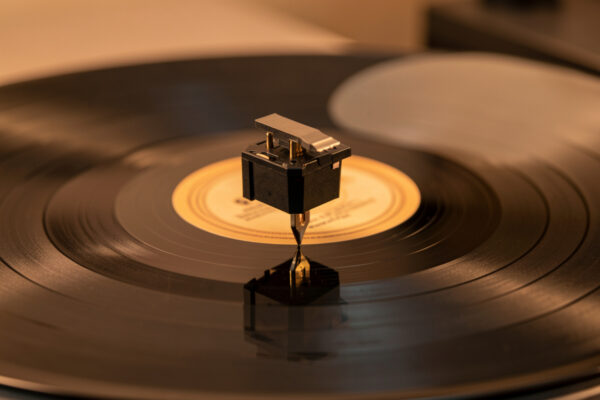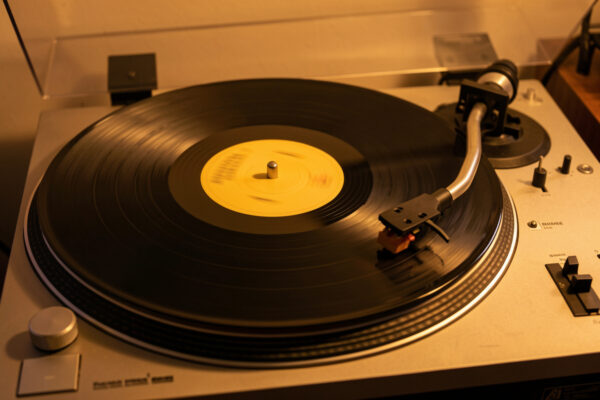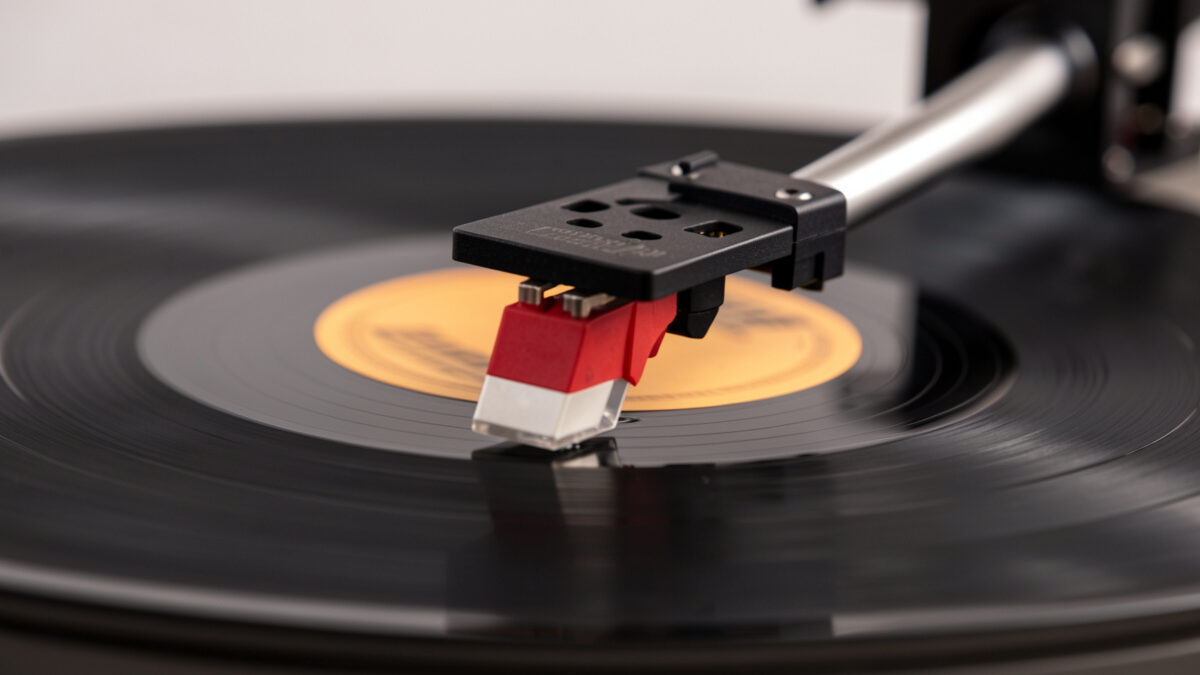
A stylus that jumps grooves is almost always failing to hold the groove for a mechanical reason you can fix: tracking force set too light, anti-skate wrong, a worn or dirty tip, or vibration reaching the deck. On the tables I run, the first thing I measure is tracking force with a digital gauge — a stylus that floats above its specified weight is the single most common reason it skates out of the groove.
“Jumping grooves” usually means the stylus leaves its current groove and lands a turn or two away, often during a loud passage. That is different from a fixed-spot skip caused by a scratch — a jumping stylus does it at varying places, on multiple records, wherever the music gets demanding. That pattern tells you the problem is the deck or the stylus, not the disc, and it gives you a short, ordered list of things to check.
First Suspect: Tracking Force Set Too Light
The stylus stays in the groove because a precise downward force holds it against both groove walls. Set that force too light and the stylus rides on the peaks of the modulation instead of in the valley, and a loud transient flings it out. This is the number-one cause of a stylus jumping grooves, and it is the easiest to measure and correct.
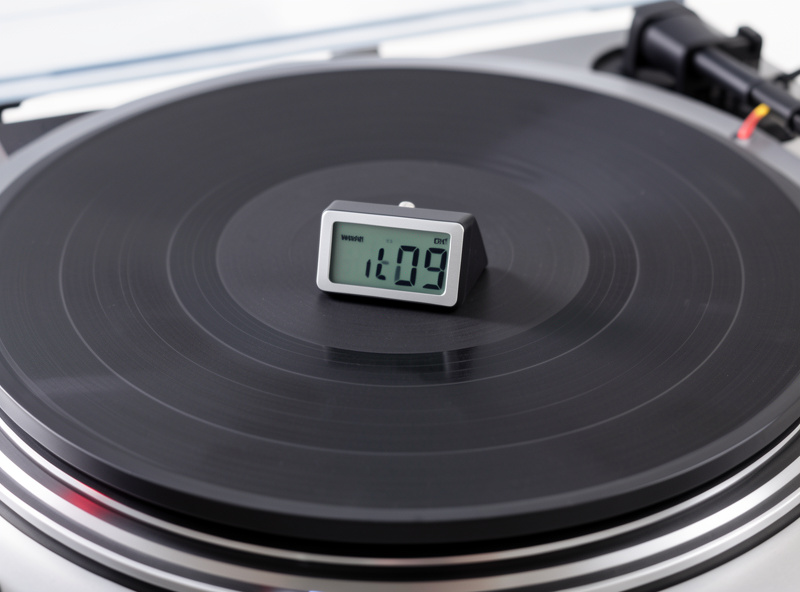
I set vertical tracking force with a digital gauge accurate to 0.01 g, to the center of the cartridge maker’s specified range. For the Ortofon 2M Blue and Audio-Technica AT-VM95 carts I have mounted that lands somewhere around 1.8 to 2.0 g — Ortofon publishes 1.8 g for the 2M line — but the only number that matters is the one on your cartridge’s spec sheet. If you have been setting it by the dial on the counterweight without checking, that dial is frequently off by a few tenths of a gram — enough to turn a clean tracker into a jumper. A proper digital stylus force gauge takes the guesswork out and pays for itself the first time it saves a record.
As an Amazon Associate I earn from qualifying purchases.
Second Suspect: Anti-Skate
The spinning groove drags the arm toward the center, and anti-skate applies an equal outward force so the stylus loads both groove walls evenly. Set it wrong and one wall gets less contact, the stylus loses grip on that side, and it jumps — usually distorting in one channel first. Too much anti-skate is as bad as too little; both unbalance the contact.
I start anti-skate at roughly the same number as the tracking force, then fine-tune by ear and, when I want to be exact, against a blank, ungrooved section. If the stylus drifts outward, there is too much; if it dives inward, too little. The full method is in my anti-skate setting guide, and the combined approach with tracking force is in how to set tracking force and anti-skate. If your stylus jumps consistently in one channel, anti-skate is the first thing I’d look at after tracking force.
Third Suspect: A Worn or Dirty Stylus
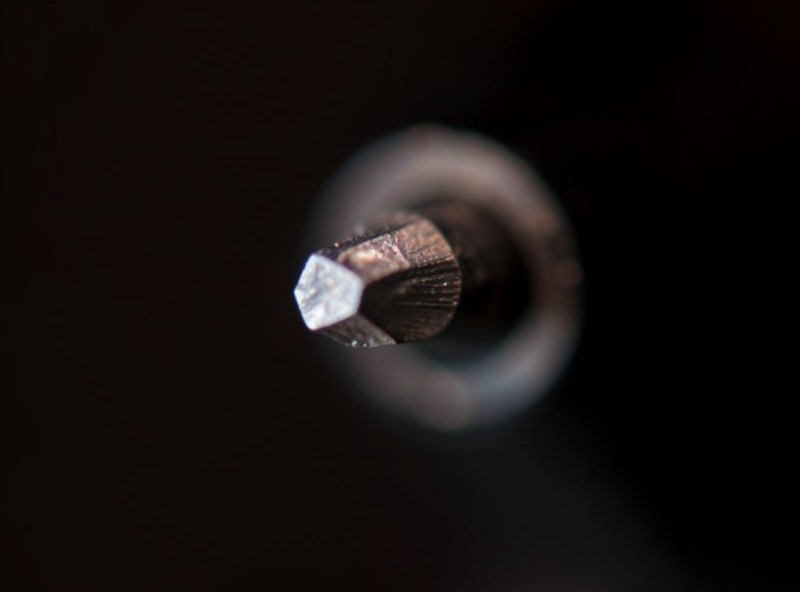
A stylus is a tiny diamond doing brutal work, and when the tip wears or chips it physically cannot hold the groove. A worn stylus jumps on heavily modulated passages that a fresh tip rides cleanly, and it sounds rough — gritty sibilance, smeared loud sections — before it fully jumps. Dirt does the same thing temporarily: a ball of fluff on the tip stops it from sitting in the groove.
Check the tip under magnification. A good stylus has a clean, symmetric point; a worn one looks flattened, a chipped one has an obvious facet. Clean it first — a gentle back-to-front brush, or a stylus cleaning gel — because a surprising number of “worn” styli are just dirty. If it is genuinely worn, replace it; most cartridges I run take a user-replaceable stylus. When to retip versus replace the whole cartridge is covered in the turntable upgrade guide, and cartridge choices in best phono cartridges.
Fourth Suspect: Vibration Reaching the Deck
If the stylus jumps when you walk, when the bass hits hard, or when something thumps the floor, the cause is outside the deck. The plinth is receiving vibration the stylus reads as groove movement it cannot follow, and it hops. No amount of cartridge adjustment fixes this — the fix is isolation.
Footfalls through a suspended floor are the classic case; the cure is a rigid mounting point. A wall-mounted shelf beats anything sitting on the floor, and where that isn’t possible an isolation platform or spring feet do real work. The whole topic is in the vibration isolation guide, and the dedicated case is turntable skips when you walk past it. Acoustic feedback — the speakers driving the plinth at high volume — is the same problem from the air, covered in footfall vs airborne vibration.
The Order I Check Them In
Work cheapest and safest first. The list below is the exact order I run, and you stop when the jumping stops.
| Check | How | Catches |
|---|---|---|
| Clean the stylus | Brush back-to-front or gel | Fluff and grime on the tip |
| Tracking force | Digital gauge to spec center | Light-tracking jumps (most common) |
| Anti-skate | Match to tracking force, fine-tune | One-channel jumps |
| Level the deck | Bubble level on platter | Drift adding to skating |
| Inspect the tip | Magnifier or loupe | Worn or chipped stylus |
| Isolate the deck | Shelf, platform, or feet | Footfall and vibration jumps |
Five of those six steps are free or nearly free, and one of them fixes the vast majority of jumping styli. The cartridge swap that people reach for first is at the very bottom of the list for a reason — it is rarely the cause, and it is the most expensive thing to change.
When Compliance and Arm Don’t Match
There is a subtler cause worth knowing: cartridge compliance and tonearm mass have to be in the right range together. A very high-compliance cartridge on a heavy arm, or a stiff cartridge on a light arm, resonates in the audible-to-subsonic band and can let the stylus jump on warps or bass. This is rarely the problem on a factory-matched deck, but if you have swapped cartridges and suddenly get warp-triggered jumps, the resonant frequency is worth checking.
The practical tell is jumping that tracks with record warps or with low-frequency content rather than with overall loudness. If a flat record plays fine and a slightly dished one makes the arm pump and jump, you are likely seeing an arm-cartridge resonance, not a tracking-force problem. Matching is part of cartridge selection — the loading and matching side is in cartridge loading explained. For the full skip decision tree across all causes, start at the hub, why does my record skip.
Telling a Jump From a Tick, a Repeat, or a Slide
Before you start adjusting, make sure you are actually chasing a jump and not a different fault that needs a different fix. A jump moves the stylus forward or back by a full revolution or more, skipping audible music. A tick or pop is the stylus staying in the groove but hitting debris or a shallow scratch — it adds a sound without losing your place, and it is a cleaning issue, not a tracking one. Confusing the two sends you adjusting anti-skate when a brush would have done it.
A repeating groove is its own animal: the stylus falls back one turn and plays the same passage over and over. That can be light tracking force, the same suspect as a jump, or it can be a circular gouge — I separate the two in record player repeats the same groove. And a slow inward slide where the arm drifts across the record without jumping is an anti-skate or level problem, covered in tonearm drifts across the record. Naming the symptom precisely is half the diagnosis.
The cleanest way to characterize what you have is to watch the arm with the volume down and a record you do not care about. A jump shows as a visible hop; a drift shows as steady creep; a repeat shows as the arm settling back to the same place. Two minutes of watching tells you which guide in this cluster you actually need, and it keeps you from “fixing” a stylus that was never the problem.
Frequently Asked Questions
Why does my stylus keep jumping grooves?
Most often because tracking force is set too light, so the stylus floats and a loud passage throws it out. Other causes are wrong anti-skate, a worn or dirty tip, or vibration reaching the deck. Measure tracking force with a digital gauge first.
What tracking force stops a stylus from jumping?
The center of your cartridge’s specified range, measured with a digital gauge, not the counterweight dial. For many moving-magnet cartridges that is around 1.8 to 2.0 grams, but follow your cartridge spec. Too light causes jumps; never exceed the maximum to force it.
Can a dirty stylus cause skipping?
Yes. A ball of fluff on the tip stops the stylus from sitting in the groove and makes it jump. Clean it gently back to front with a brush or stylus gel before assuming the tip is worn. Many worn-seeming styli are simply dirty.
Does anti-skate affect groove jumping?
Yes. Anti-skate balances the contact on both groove walls. Set wrong, one wall loses grip and the stylus jumps, usually distorting in one channel first. Start anti-skate near the tracking-force number and fine-tune.
Why does my stylus jump only when I walk or play loud music?
That is vibration reaching the plinth, not a tracking fault. Footfalls through the floor or speaker output coupling into the deck make the arm hop. The fix is isolation, such as a wall-mounted shelf or an isolation platform, not more tracking force.
Related Articles
- Why Does My Record Skip? The Full Diagnostic Guide
- Turntable Skips When You Walk Past It
- Is It the Record or the Stylus?
- Anti-Skate Setting Guide for Turntables
- Tracking Force Adjustment Guide