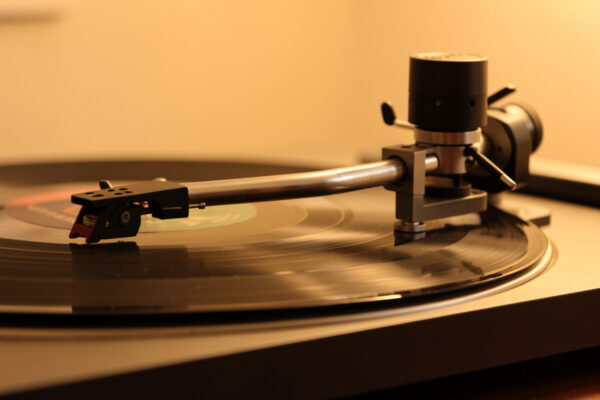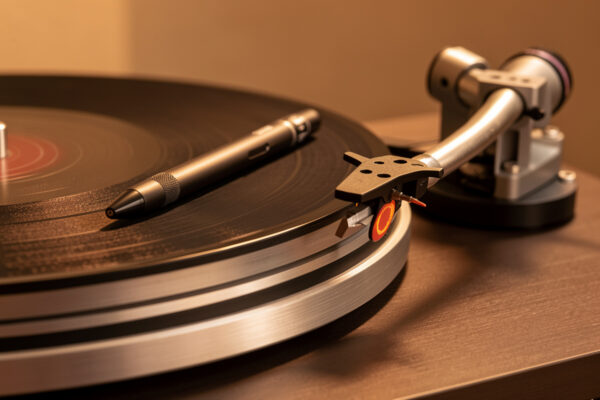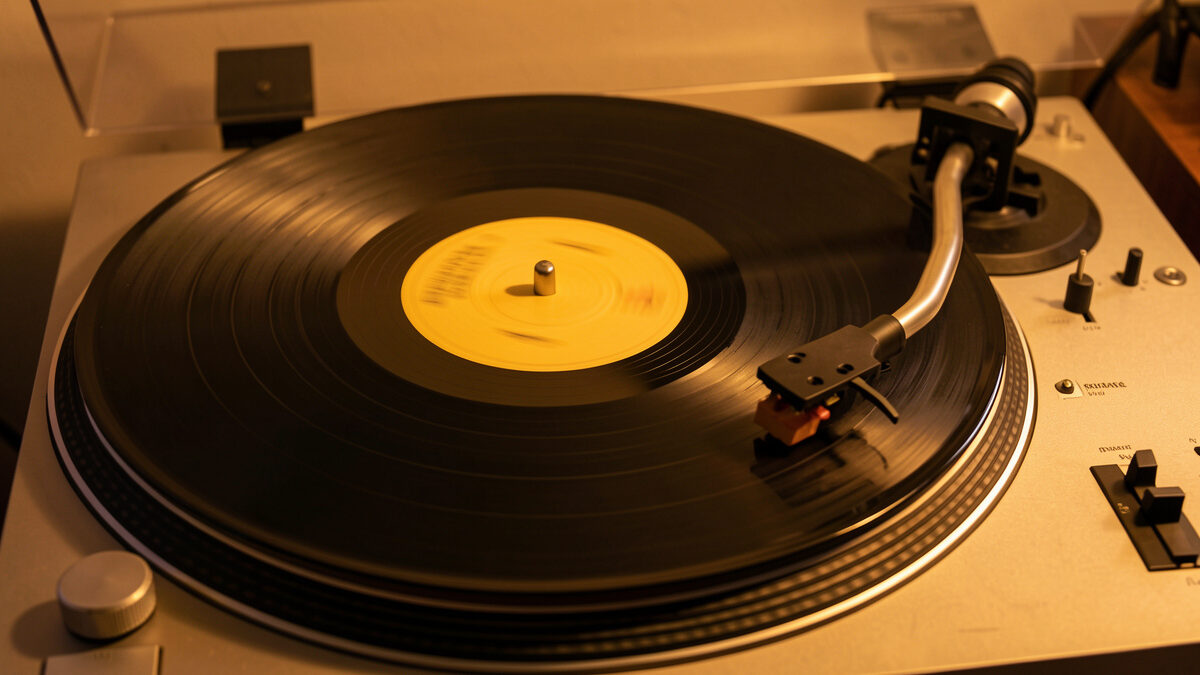
When a record player repeats the same groove — the same second or two of music looping over and over — the stylus is falling back one revolution instead of advancing to the next groove. There are only two real causes: a circular gouge in the vinyl that bridges the groove to itself, or a stylus tracking so light it cannot climb the tiny step to the next groove. On the decks I run, I tell them apart in one play, and the fix depends entirely on which one it is.
A locked, repeating groove feels like a stuck CD, but the mechanism is purely mechanical and physical. The record groove is a continuous inward spiral; for the music to advance, the stylus must step from one turn of the spiral to the next, slightly closer to the label, on every revolution. Anything that stops that inward step — a damaged wall it cannot leave, or insufficient force to make the climb — drops the stylus back into the groove it just played. Sorting which is which is the whole job.
The Two Causes, and How to Tell Them Apart
Cause one is a groove-bridging gouge: a scratch or dig that runs roughly along the groove and physically links one revolution to the previous one, so the stylus follows the damage backward instead of advancing. Cause two is light tracking force: the stylus does not have enough downward force to ride up the small wall between adjacent grooves, so it slips back. The first is the record; the second is your setup.
Here is the test I use. Note exactly where the loop happens, lift the arm, and gently set it down just past the loop point. If the record plays on cleanly from there, the loop is a localized fault — most likely a gouge at that spot. Then play a different record on the same deck. If that one also loops, or mistracks, the cause is your setup, not the disc. A record fault stays with the record; a setup fault repeats across discs. This is the same logic the whole skip cluster runs on, laid out in the hub, why does my record skip.
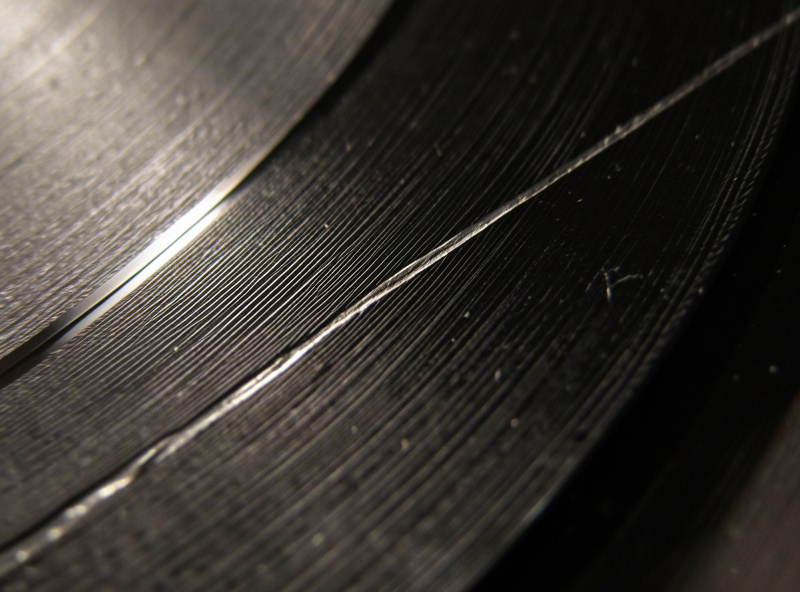
If It’s the Record: A Bridging Gouge
A circular or diagonal gouge that crosses several grooves can create a little ramp the stylus rides backward. Look at the loop spot under raking light held low to the side; a bridging scratch usually shows as a mark cutting across the groove direction at that radius. Clean it first — sometimes what bridges the groove is a hardened lump of debris rather than damaged vinyl, and a proper wet clean lifts it. My cleaning method is in the wet-cleaning guide and the full record cleaning guide.
If cleaning doesn’t fix it and the mark is genuine damage, you have limited options. A slightly higher tracking force, still within the cartridge’s specified range, sometimes gives the stylus enough downforce to ride over the bridge and advance — this is the one case where nudging toward the top of spec is legitimate. Never exceed the maximum to force it; you will grind the stylus and risk the rest of the record. If it still loops at spec, the groove information is compromised and the only cures are nudging the arm past it by hand or replacing the pressing.
If It’s the Setup: Tracking Force Too Light
If a clean, undamaged record loops — especially at the same radius on more than one disc — your tracking force is almost certainly too light. The stylus cannot make the inward step and keeps falling back. This is the most common cause of repeating grooves that people misdiagnose as damage, and it is a five-minute fix.
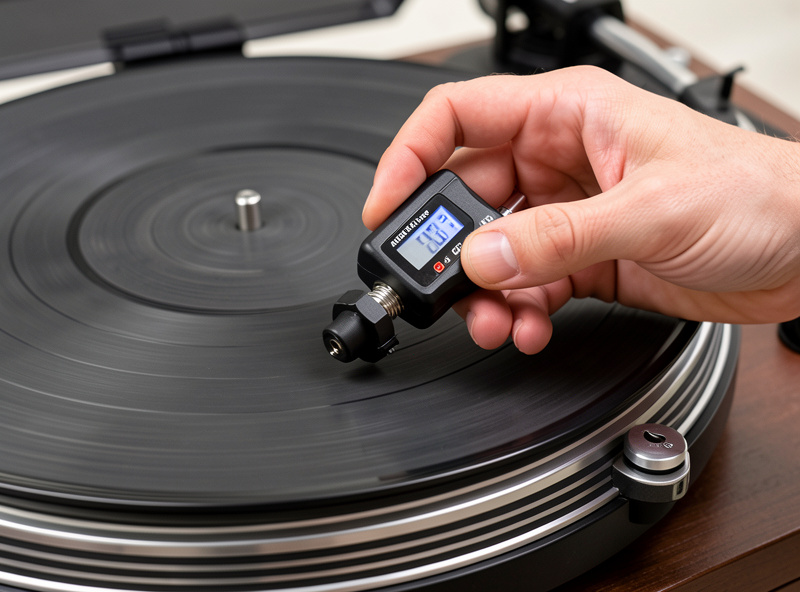
Measure tracking force with a digital gauge and set it to the center of your cartridge’s specified range — for the Ortofon 2M Red and Audio-Technica VM95 family I run that is around 1.8 to 2.0 g — Ortofon lists 1.8 g for the 2M Red — but follow your own cartridge’s spec, not a number off the internet. The counterweight dial is frequently off by a few tenths, which is exactly enough to cause this. My full method is in the tracking force adjustment guide. While you are there, confirm anti-skate isn’t pulling the stylus off one wall — the combined setup is in how to set tracking force and anti-skate, and the symptom overlaps with a stylus that jumps grooves.
The Worn-Stylus Angle
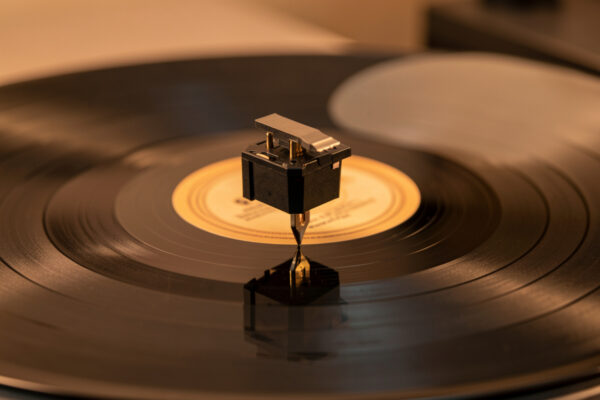
A worn or chipped stylus is a third, sneakier contributor. A tip past its hours sits badly in the groove and may lack the contact to make the inward step, looping on passages a fresh stylus would advance through cleanly. If your tracking force checks out and a clean record still loops, inspect the tip under magnification — a flattened or chipped point tells the story. Replacement timing is covered in the turntable upgrade guide, and cartridge options in best phono cartridges.
There is also the alignment angle: a badly aligned cartridge sits at the wrong attack angle to the groove and tracks poorly, particularly in the inner grooves where the geometry is hardest. If your loops cluster near the label, suspect alignment and check it on a protractor — the method is in the cartridge alignment guide. Inner-groove looping is often the deck telling you the geometry is marginal, not that the record is damaged.
The Order to Work It
Run it cheapest and safest first, exactly as with any skip. Clean the loop spot — a lot of “damage” is debris. Then check and correct tracking force, because light tracking is the most common true cause and it is free to fix once you own a gauge. Set anti-skate to match. Inspect the stylus. Verify alignment if the loop is near the label. Only after all of that do you conclude the record is genuinely gouged and reach for the higher-tracking-force workaround or set the disc aside.
The mistake I see most is people declaring a record dead the moment it loops, when a gauge check would have shown the tracking force was 0.4 g light. The second most common mistake is the reverse — cranking tracking force to muscle through what is actually a clean record on a misaligned arm. Diagnose which cause you have before you act, and the fix is obvious and usually free.
Why It Happens More on Some Records Than Others
If you notice loops concentrate on certain records, that is a clue, not a coincidence. Heavily modulated records — loud, dynamic pressings with deep groove cuts — demand more from the stylus to make the inward step, so a marginally light tracking force that coasts through gentle records will loop on a loud one. Likewise, older or well-loved records carry more accumulated wear on the groove walls, which reduces the contact the stylus needs to advance. The record isn’t necessarily damaged at the loop point; it is simply asking for the downforce your setup isn’t providing.
Thin or warped records add their own twist. A slight dish lifts the stylus momentarily at one part of the rotation, and if that coincides with a demanding passage the arm can drop back instead of stepping forward. This is where leveling the deck and confirming a sane arm-cartridge match earn their keep — a properly weighted, level, well-aligned setup has margin to spare, so it sails through the records that loop on a marginal one. When I set a deck up to spec, the looping that the owner blamed on their records usually disappears across the whole collection at once, which is the tell that it was never the discs.
The practical takeaway: if loops appear on a handful of specific records, suspect those records, but if they appear on loud or inner-groove passages across your collection, suspect the setup. The pattern across discs is more diagnostic than any single loop.
How a Repeat Differs From a Skip and a Tick
It helps to name the symptom precisely, because each points to different fixes. A repeat loops the same passage backward. A skip jumps forward, losing music. A tick or pop is the stylus staying in place but hitting debris or a shallow mark — a cleaning issue, not a tracking one. If your problem is really a forward jump, see why your stylus jumps grooves; if it is a slow inward slide with no looping, that is tonearm drift, an anti-skate and bearing matter. Watch the arm with the volume down for a minute and the motion tells you which one you have.
Frequently Asked Questions
Why does my record player keep repeating the same groove?
The stylus is falling back one revolution instead of stepping inward to the next groove. Either a circular gouge bridges the groove to itself, or tracking force is too light to make the inward step. Test by playing a clean record: if it also loops, the cause is your setup.
How do I fix a record that repeats the same part?
First clean the loop spot, since hardened debris can bridge the groove and lifts off with a wet clean. Then check tracking force with a digital gauge and set it to your cartridge spec center. Light tracking force is the most common fixable cause of a repeating groove.
Is a repeating groove always damage?
No. A clean, undamaged record that loops usually has a setup cause: tracking force set too light, a worn stylus, or poor alignment. Damage is only confirmed when a correctly set-up deck still loops at the same spot and the mark is visible under raking light.
Can low tracking force cause a record to repeat?
Yes, it is the most common cause people misread as damage. Without enough downforce the stylus cannot climb the small step between adjacent grooves and slips back. Measure with a gauge and set to the center of your cartridge’s range to fix it.
Will more tracking force fix a repeating groove from a scratch?
Sometimes, within limits. Nudging toward the top of your cartridge’s specified range can give the stylus enough downforce to ride over a bridging gouge. Never exceed the maximum to force it, as that grinds the stylus and risks the rest of the record.
Related Articles
- Why Does My Record Skip? The Full Diagnostic Guide
- Why Your Stylus Jumps Grooves
- Record Skips at the Same Spot Every Time
- Tracking Force Adjustment Guide
- Is It the Record or the Stylus?