Crackle on every record almost always means the problem is in your system, not your collection. When the same fine, continuous crackle rides on top of every disc you play, the three suspects are static build-up, dust in the groove, and a worn stylus — and you can separate them in about ten minutes. Static and dust respond to cleaning; a worn stylus does not.
The logic is simple: if a fault affects one record it lives on that record, but if it affects every record it lives in the part of the chain every record passes through — the stylus, the setup, or the air in your room. I have chased this exact complaint across the three decks I run, and it almost never turns out to be the vinyl itself. Here is how I isolate which of the three is generating your crackle.
Static: The Crackle That Comes and Goes With the Weather
Static is the first suspect when crackle appears on every record, especially if it is worse in winter or in a carpeted room. A charged record surface produces a fine, dry crackle and actively drags airborne dust back into the groove seconds after you have cleaned it — so it masquerades as a dust problem that “won’t stay fixed.” The tell is that the crackle often gets worse as the side plays and the record spins up more charge, and you may hear a sharp snap when you lift the disc off the platter.
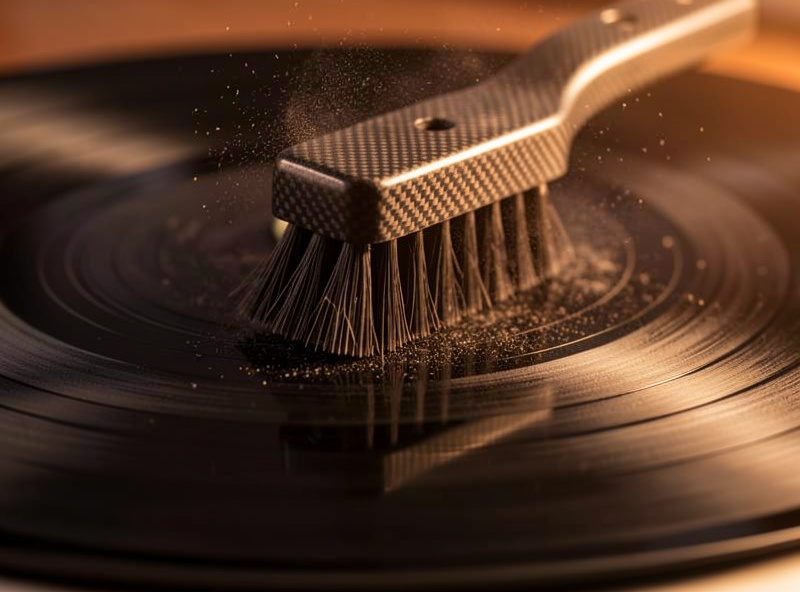
The fix is to stop the charge building rather than fighting the dust it attracts. A carbon-fiber brush before each side drains some charge to the conductive fibers, anti-static inner sleeves stop the sleeve itself generating charge on removal, and in a dry room a little humidity helps more than any gadget. I go deep on the whole static problem in the guide on how to stop static on vinyl records. If your crackle tracks the seasons and the room’s dryness, static is your answer.
Dust: The Most Common Cause, and the Easiest to Prove
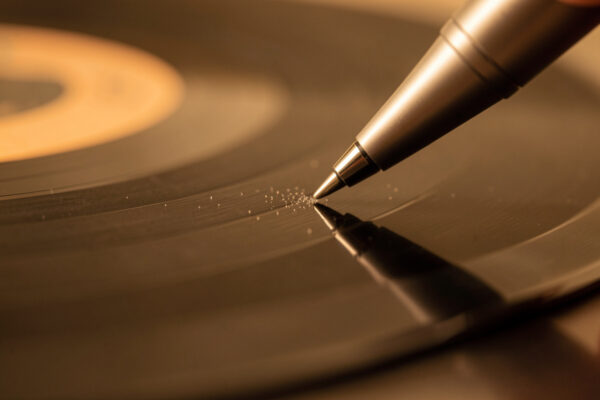
Dust is the single most common source of universal crackle, and it is the easiest to confirm because it responds immediately to cleaning. If a proper wet clean audibly drops the crackle on a test record, you have your answer — that noise was particulate sitting in the groove, not damage cut into it or a worn tip dragging through it. The catch is that a quick dry wipe redistributes dust more than it removes it, so people conclude “cleaning doesn’t help” when what they actually did was smear the problem around.
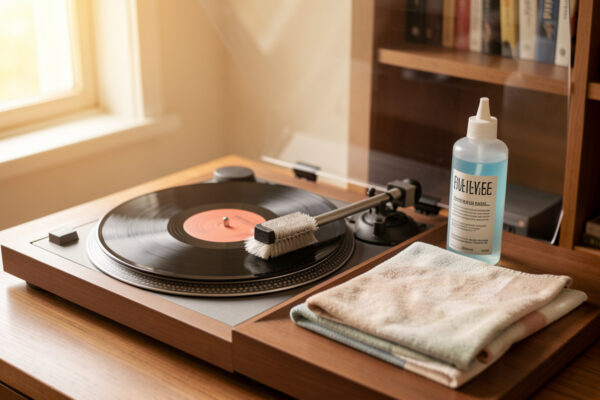
Run the test properly: take one representative noisy record, give it a full wet clean with fluid and a lint-free cloth, dry it, and replay. A real drop in crackle confirms dust across your collection, and the fix is to clean the whole stack and keep them clean with brushing and good sleeves. My complete record cleaning guide covers the method end to end, and for grimy secondhand records the used-record cleaning guide handles embedded grime a normal clean leaves behind. If cleaning changes nothing, move to the stylus.
A Worn Stylus: The Crackle Cleaning Can’t Touch
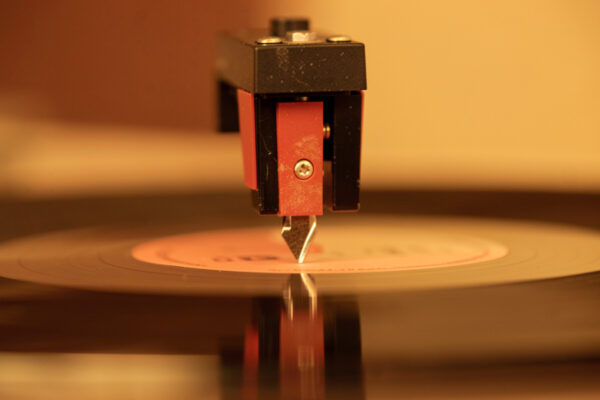
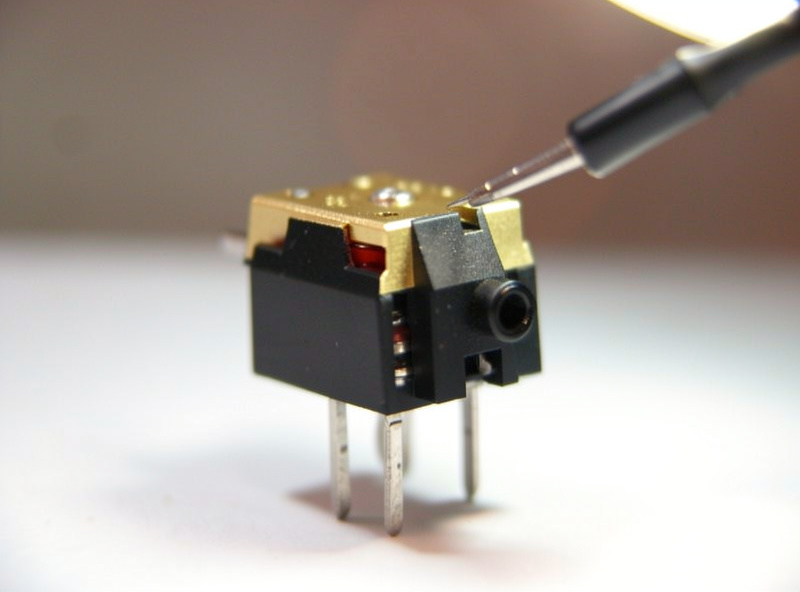
If you have cleaned a record thoroughly and the crackle survives unchanged, suspect the stylus. A worn, chipped, or misaligned stylus does not sit cleanly in the groove — it drags, chatters, and mistracks, generating crackle and a raspy edge in real time as it plays. Because the noise is being created at the contact patch, no cleaning will ever remove it, and worse, a worn tip is simultaneously wearing your records into permanent noise.
Styli are consumables. A typical elliptical or conical tip is good for a few hundred to around a thousand hours depending on profile and tracking force, and a bonded budget stylus wears faster than a nude or advanced profile. If you cannot remember ever changing yours, or you bought the deck used with an unknown history, budget for a replacement — it is the cheapest fix on this list relative to what a worn tip costs you in ruined records. Correct tracking force and anti-skate extend stylus life and cut mistracking crackle; a fresh cartridge or stylus resets the clock. A replacement stylus for your cartridge is far cheaper than the records a worn one is quietly destroying. As an Amazon Associate I earn from qualifying purchases.
Telling the Three Apart
The fastest way to separate static, dust, and a worn stylus is a two-test sequence. First, clean one record and replay it: if the crackle drops, you are dealing with dust and static, and the job is a full clean plus static control. If the crackle is unchanged after a genuine wet clean, the record surface is not the issue — you are into the stylus, or into a setup fault that is making the stylus mistrack.
Second, check whether the crackle changes with humidity and handling. Worse when dry, worse as the side plays, snapping when you lift the disc — that is static. Steady regardless of conditions and unmoved by cleaning — that is the stylus. The table below lays out the signatures side by side.
| Cause | Sound & Behavior | Responds to Cleaning? | Fix |
|---|---|---|---|
| Static | Dry crackle, worse when dry, snaps on lift-off, returns fast | Briefly, then comes back | Brush, anti-static sleeves, room humidity |
| Dust | Even crackle-hiss, present from the first play | Yes — drops after a wet clean | Full wet clean, keep records brushed |
| Worn stylus | Crackle plus raspy edge, worst on loud/inner grooves | No — survives any clean | Replace stylus; check VTF and alignment |
The One Setup Trap to Rule Out
Before you condemn the stylus, rule out one setup fault that mimics stylus wear: incorrect tracking force. A stylus set too light literally cannot stay in the groove — it skates across the walls and chatters, producing crackle and sibilance that reads exactly like a worn tip. Too heavy accelerates wear and can add its own distortion. Both are free to fix if you own a gauge.
Set your tracking force to the cartridge maker’s spec with a digital gauge, confirm anti-skate is dialed to match, and replay. If the crackle vanishes, it was never the stylus at all — it was a five-minute adjustment. This is why my order of operations is always clean, then check setup, then replace parts. For the full alignment picture, the turntable setup and calibration guide is the parent reference, and this whole diagnosis sits inside the broader vinyl surface noise guide.
Frequently Asked Questions
Why does every record crackle on my turntable?
Because a fault that affects every record lives in the shared part of the chain, not on the discs. The three causes are static build-up, dust in the grooves, and a worn or misaligned stylus. Static and dust respond to cleaning; a worn stylus does not and must be replaced.
How do I know if my stylus is causing the crackle?
Clean a record thoroughly and replay it. If the crackle survives an honest wet clean unchanged and is worst on loud passages and inner grooves, the stylus is generating it in real time. A tip with several hundred hours on it, or an unknown used history, should be replaced.
Can static electricity cause crackle on vinyl?
Yes. A charged record produces a dry crackle, pulls dust back into the groove seconds after cleaning, and often snaps audibly when you lift it off the platter. It is worse in dry, carpeted rooms and in winter. Brushing, anti-static sleeves, and a little room humidity control it.
Will cleaning stop crackle on every record?
It will if the crackle is dust or static, which is the most common case. Take one record, give it a full wet clean, and replay it — a clear drop in crackle confirms particulate noise across your collection. If cleaning changes nothing, the cause is the stylus or a setup fault.
Can wrong tracking force cause crackle?
Yes, and it mimics a worn stylus. A stylus set too light skates in the groove and chatters, producing crackle and sibilance. Set tracking force to the cartridge spec with a digital gauge and match anti-skate before condemning the stylus — it is often a five-minute free fix.
How long does a turntable stylus last?
Roughly a few hundred to about a thousand hours depending on the stylus profile and tracking force. Bonded budget tips wear fastest; nude and advanced profiles last longer. A worn stylus adds crackle and damages records, so replace it on schedule rather than waiting for obvious noise.
Related Guides
- Vinyl Surface Noise: Causes and How to Diagnose It by Ear
- How to Stop Static on Vinyl Records
- How to Clean Vinyl Records: The Complete Guide
- Does Surface Noise Go Away After Cleaning?
- Tracking Force Adjustment Guide